Arlec's PB4UHA 4 way Power Board with USB power
Aug 2026
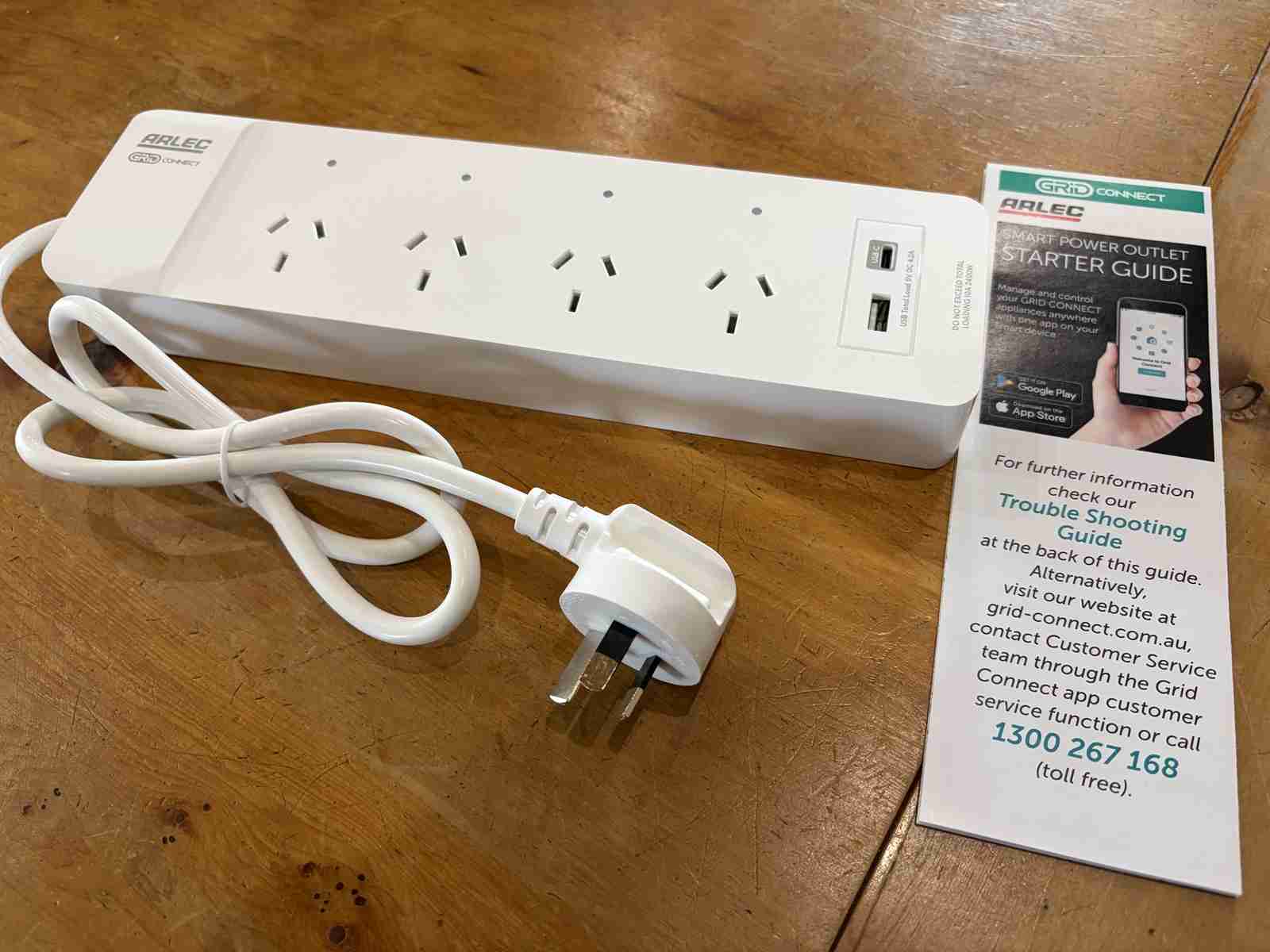
The above unit replaces this:
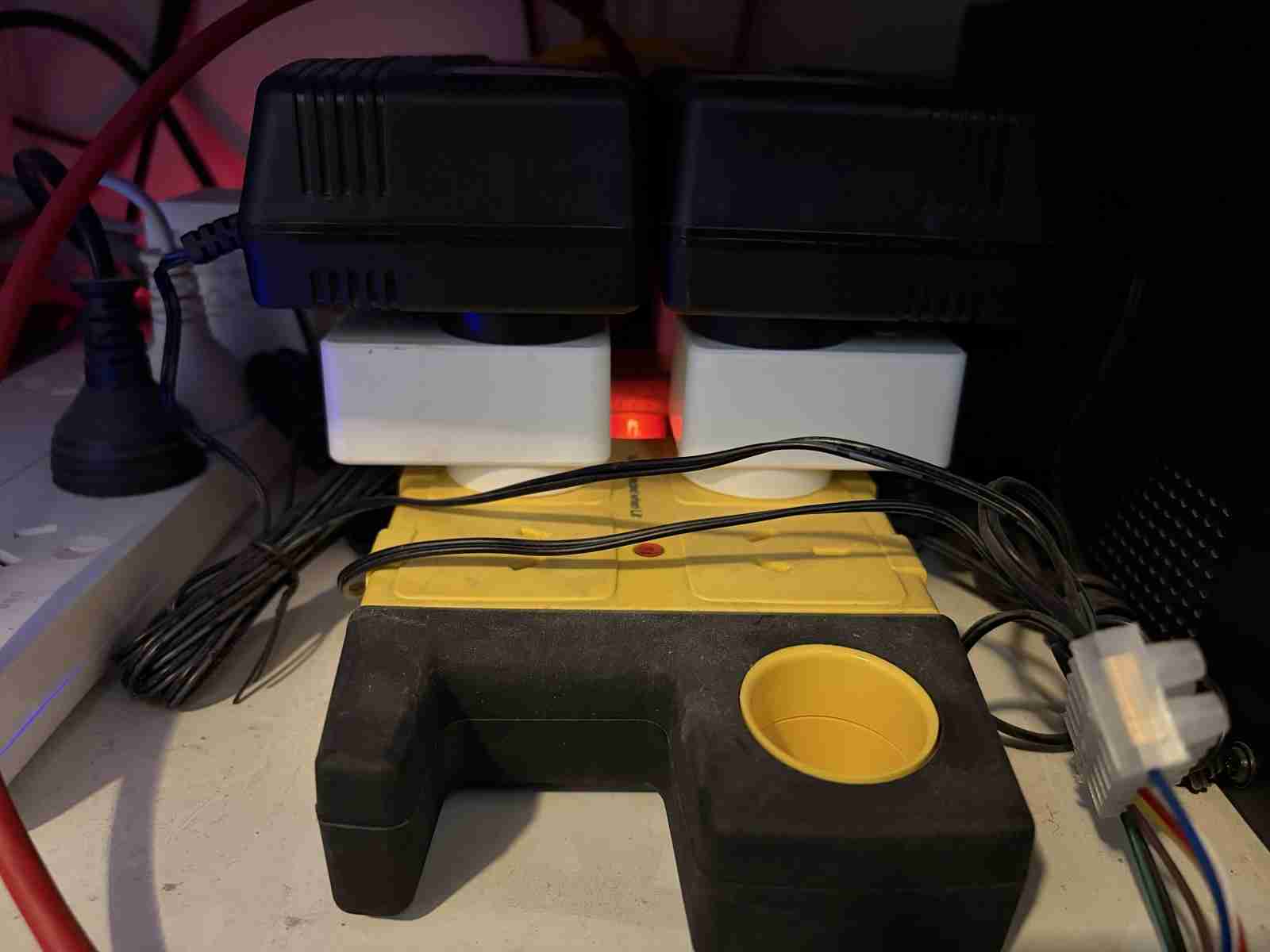
Plain old powerboard with Brilliant Smart BL20925 wifi switches (with brains replaced to Tasmota) controlling 24VAC plugpacs which activate garden watering solinoid valves.
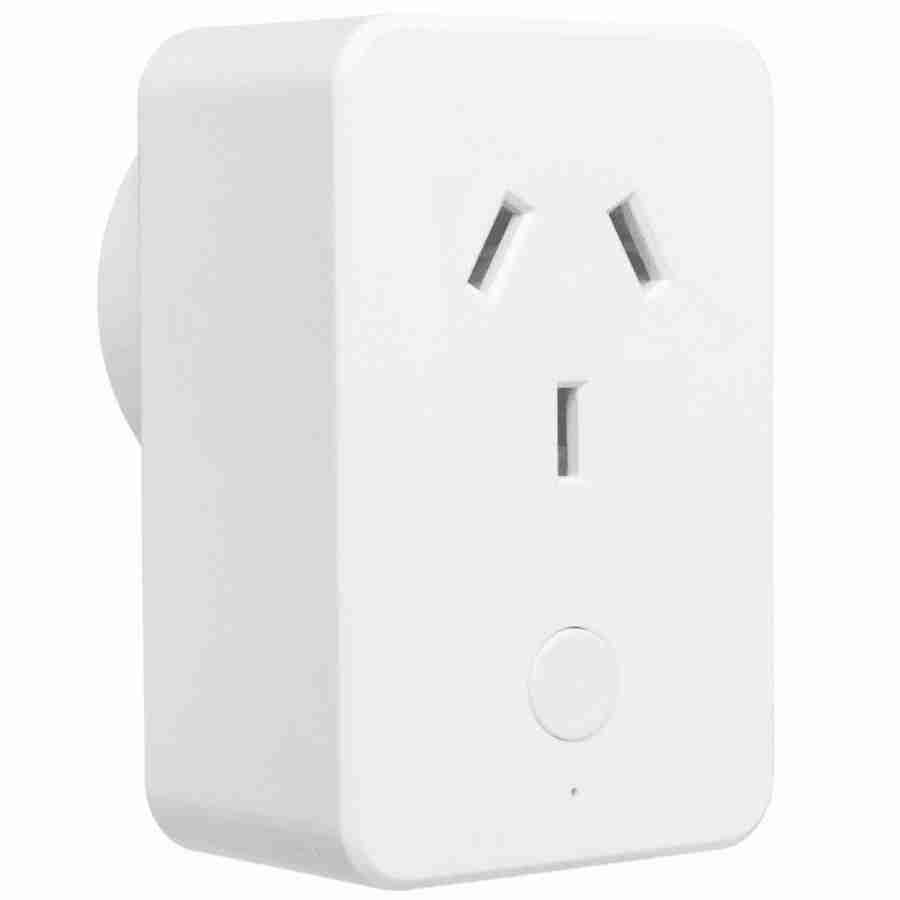
Brilliant Smart's BL20925 Wifi switch with current measuring.
The original part of the system, which is a couple of years old now, features 4 BL20925 switches controlling the solenoid valves. Most of this has been replaced by the newer Arlec PB4UHA 4 way power board with a brain transplant needless to say.
Disassembly and Brain Transplant
While the computer module and related parts operate at the very low and safe DC voltage 3.3 volts and the programmer runs off USB power, the power board itself runs on mains voltage, which in Australia is nominally 230 volts +10%/-6%. This voltage can KILL you. Do not ignore this warning. Do not attempt to operate or otherwise manipulate an opened unit. This unit is relatively cheap, if stuff goes wrong hardware-wise just call it as a fail and throw it in the bin.
The first hurdle to getting in to this thing cleanly is the triangular screw heads.
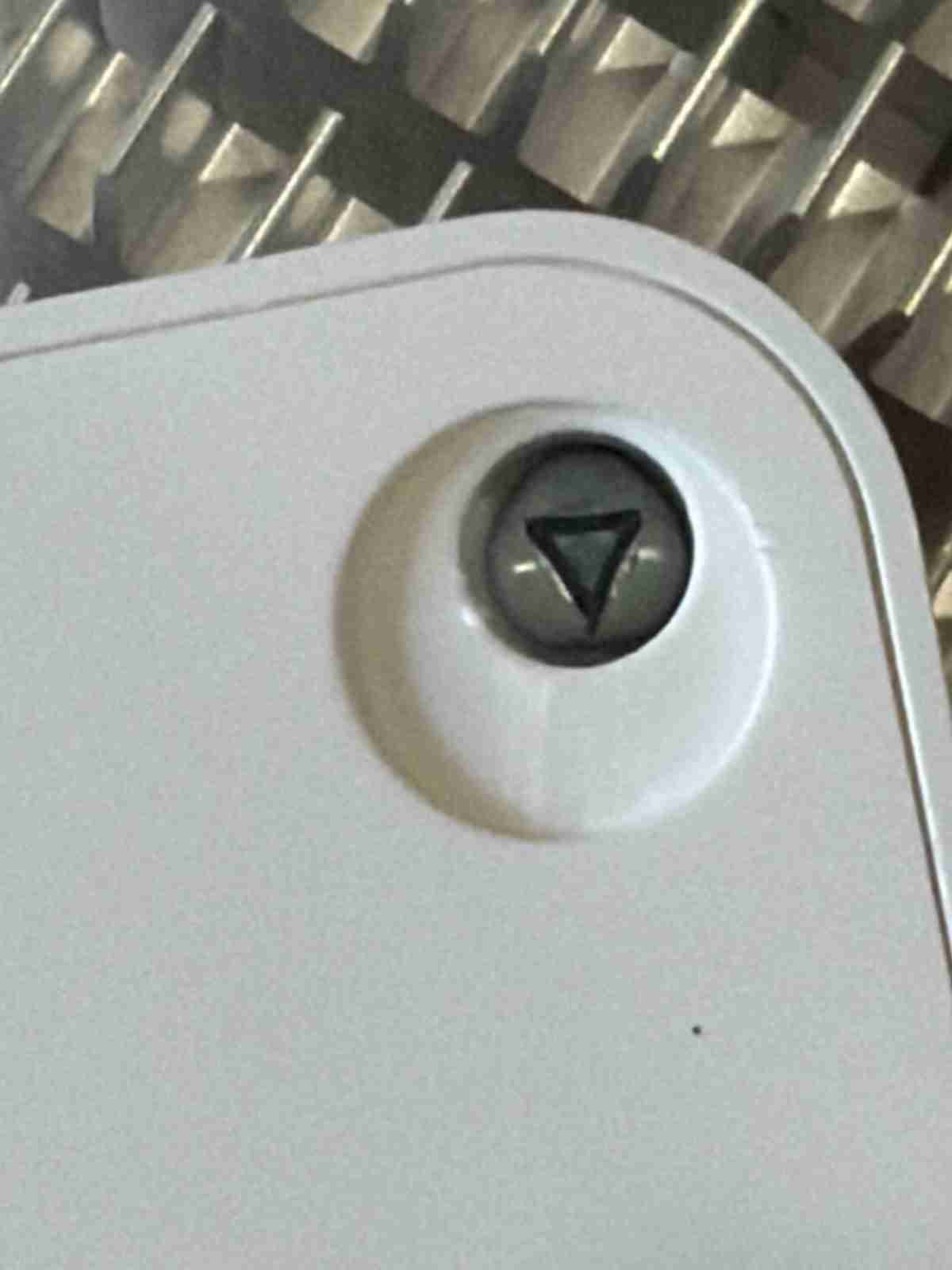
These require special tooling which was supplied by the local electronics store.
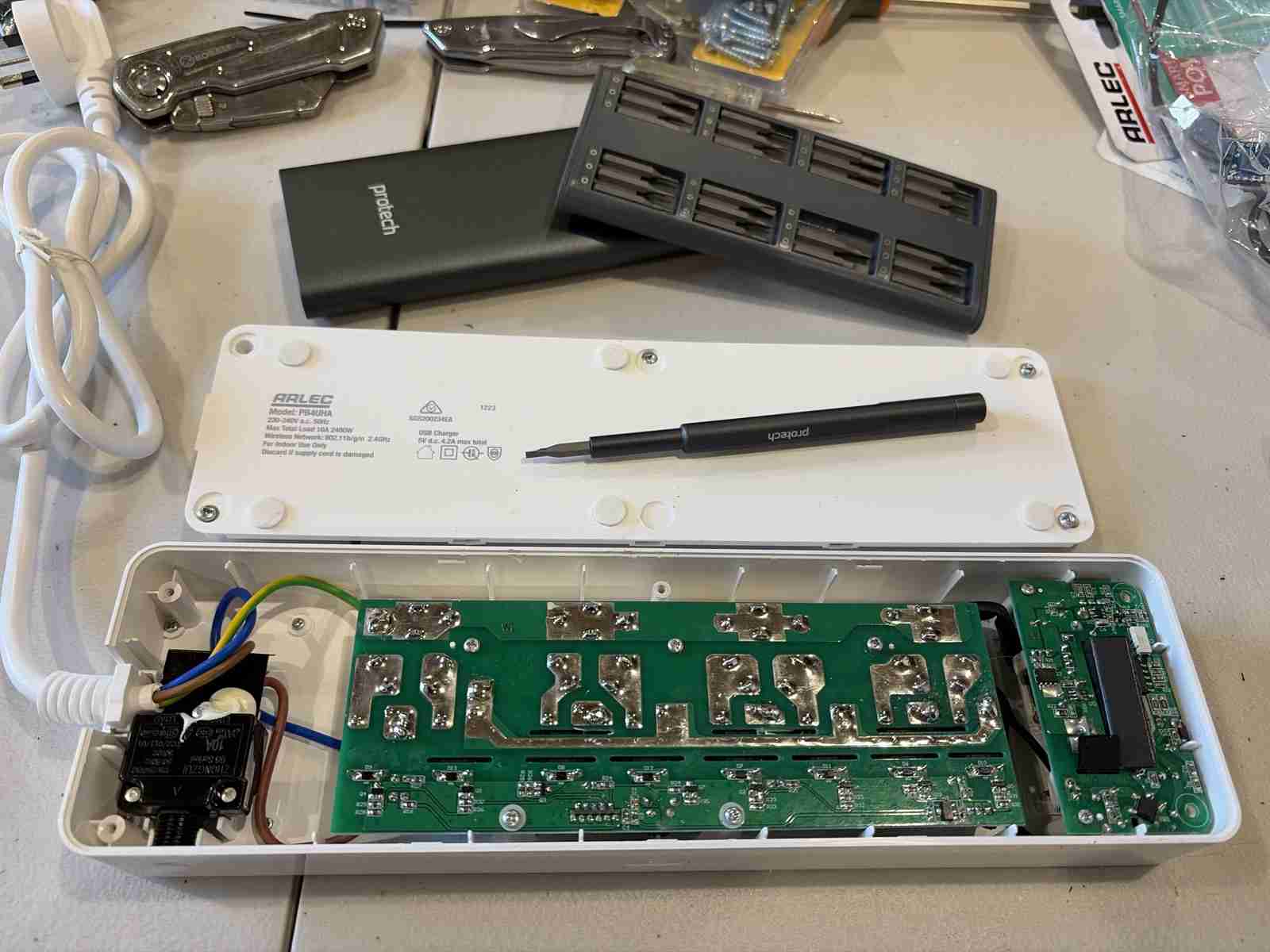
In the following view we can see the Tuya module controlling everything.
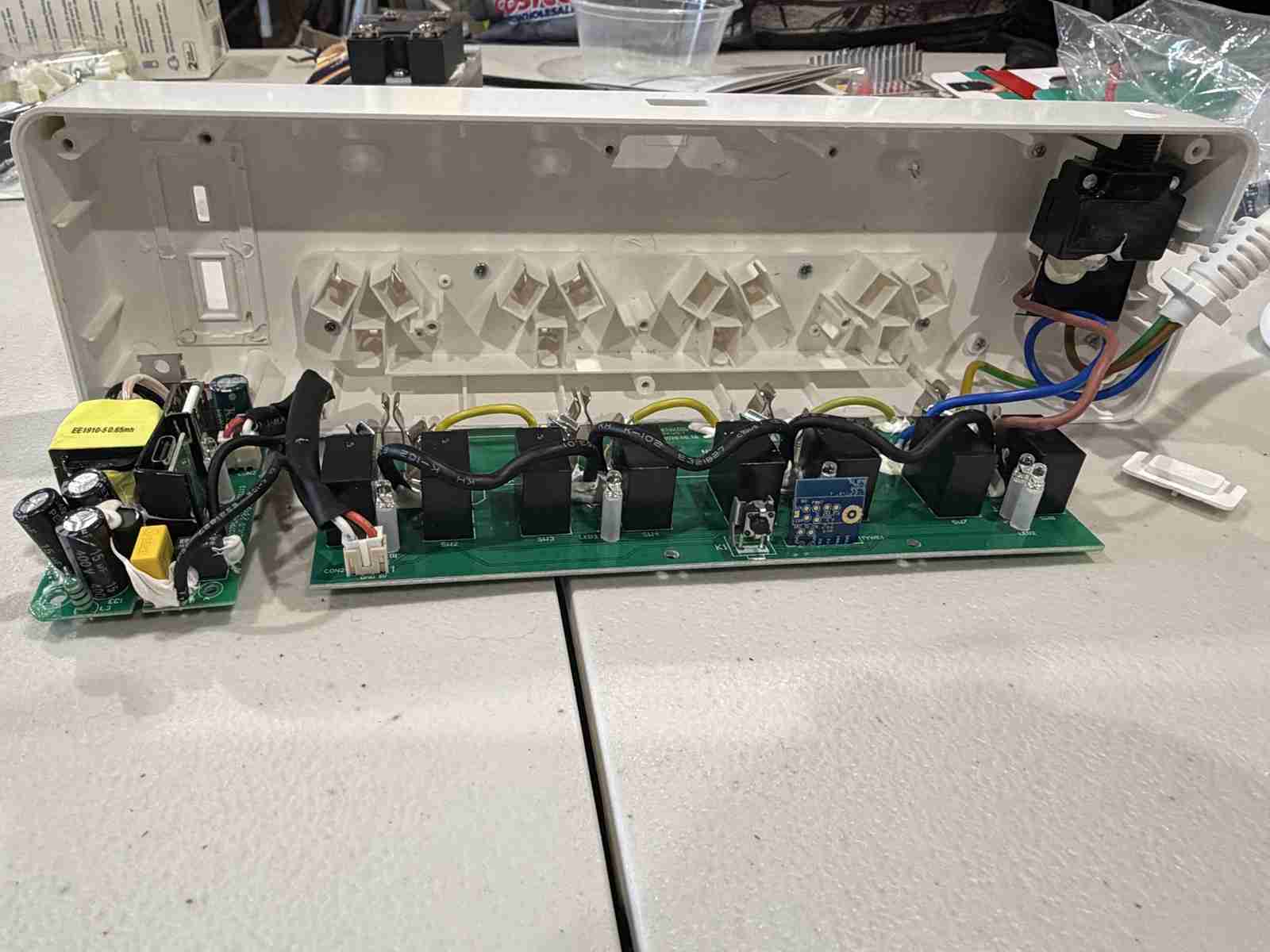
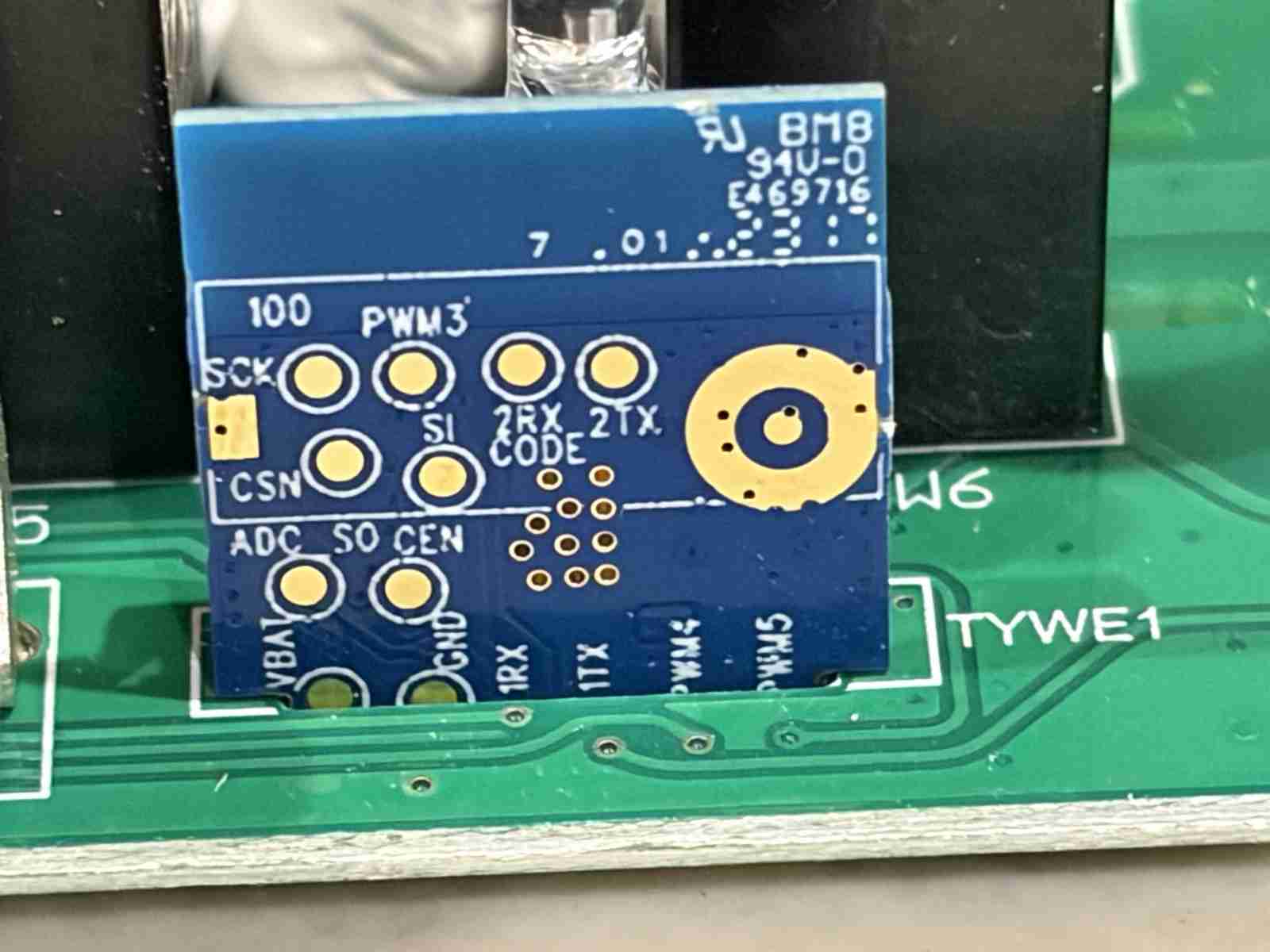
And with some very careful desoldering we remove the module from the main board. Pay particular attention to the delicate tracks on the bottom side as these are very easily ripped up (trust me). This is where the adept hand of a skilled technician is envaluable. Sugical precision is required (something which is lacking here at electricbrain).
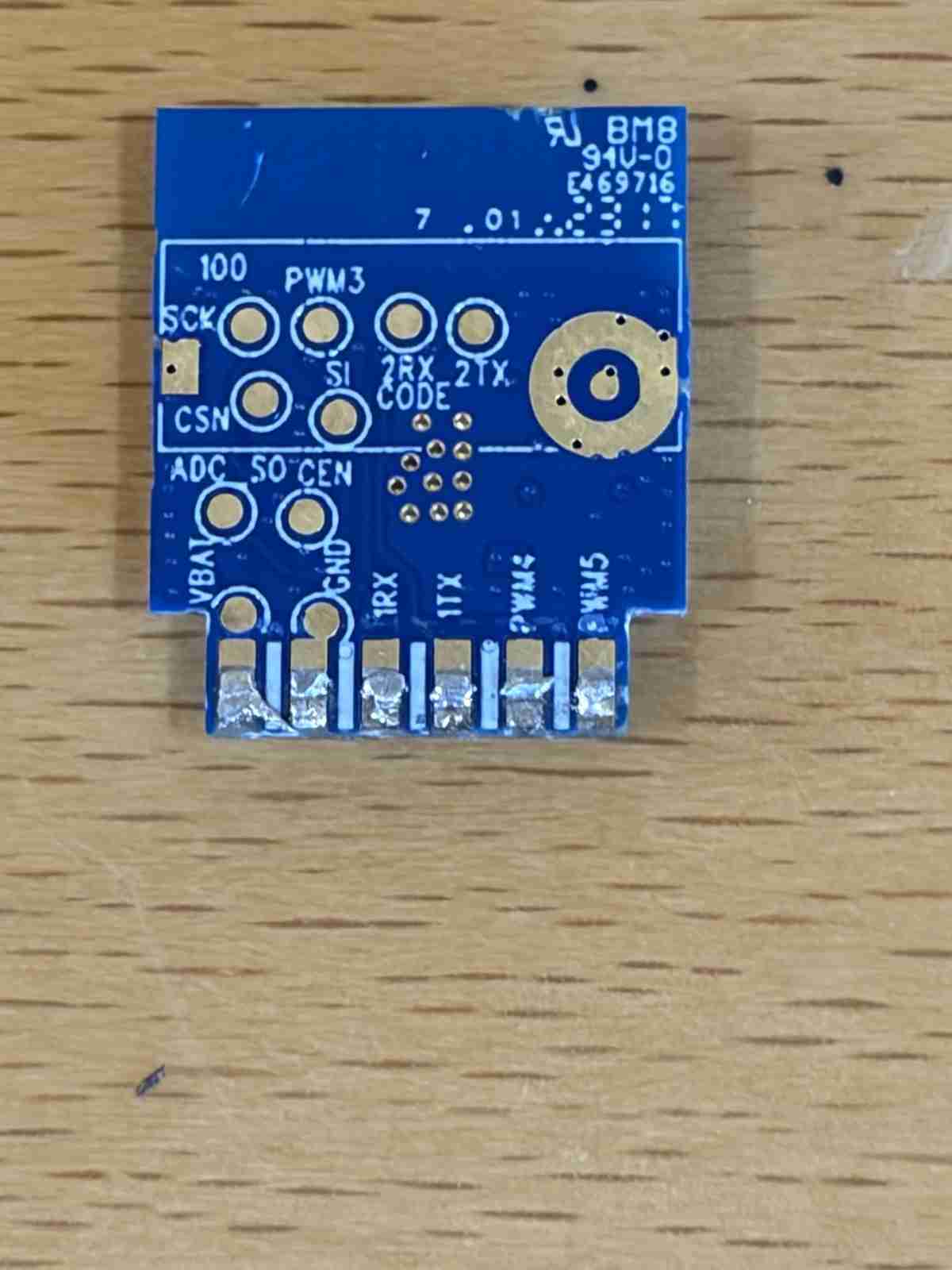
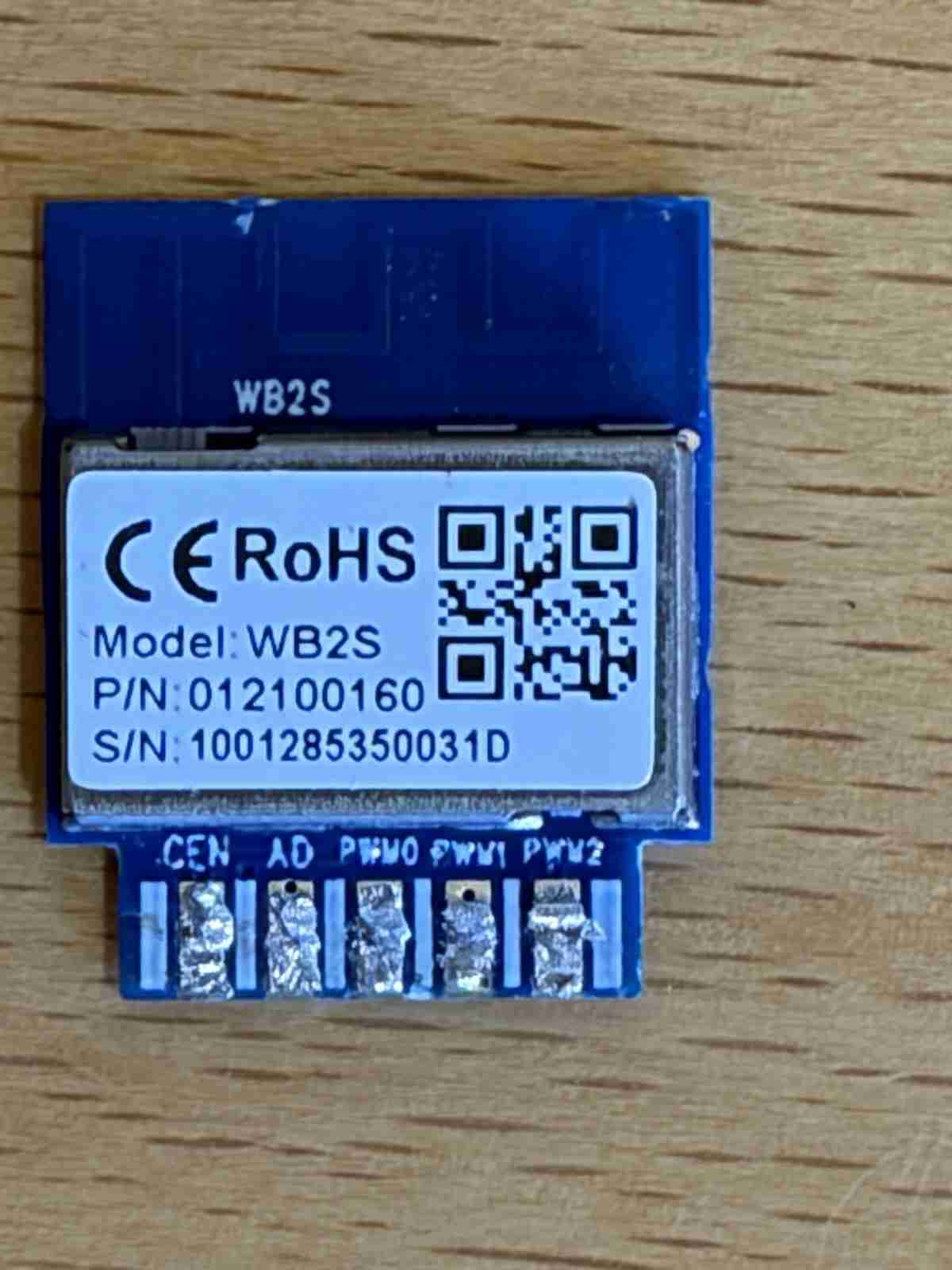
Software - Burn Baby Burn
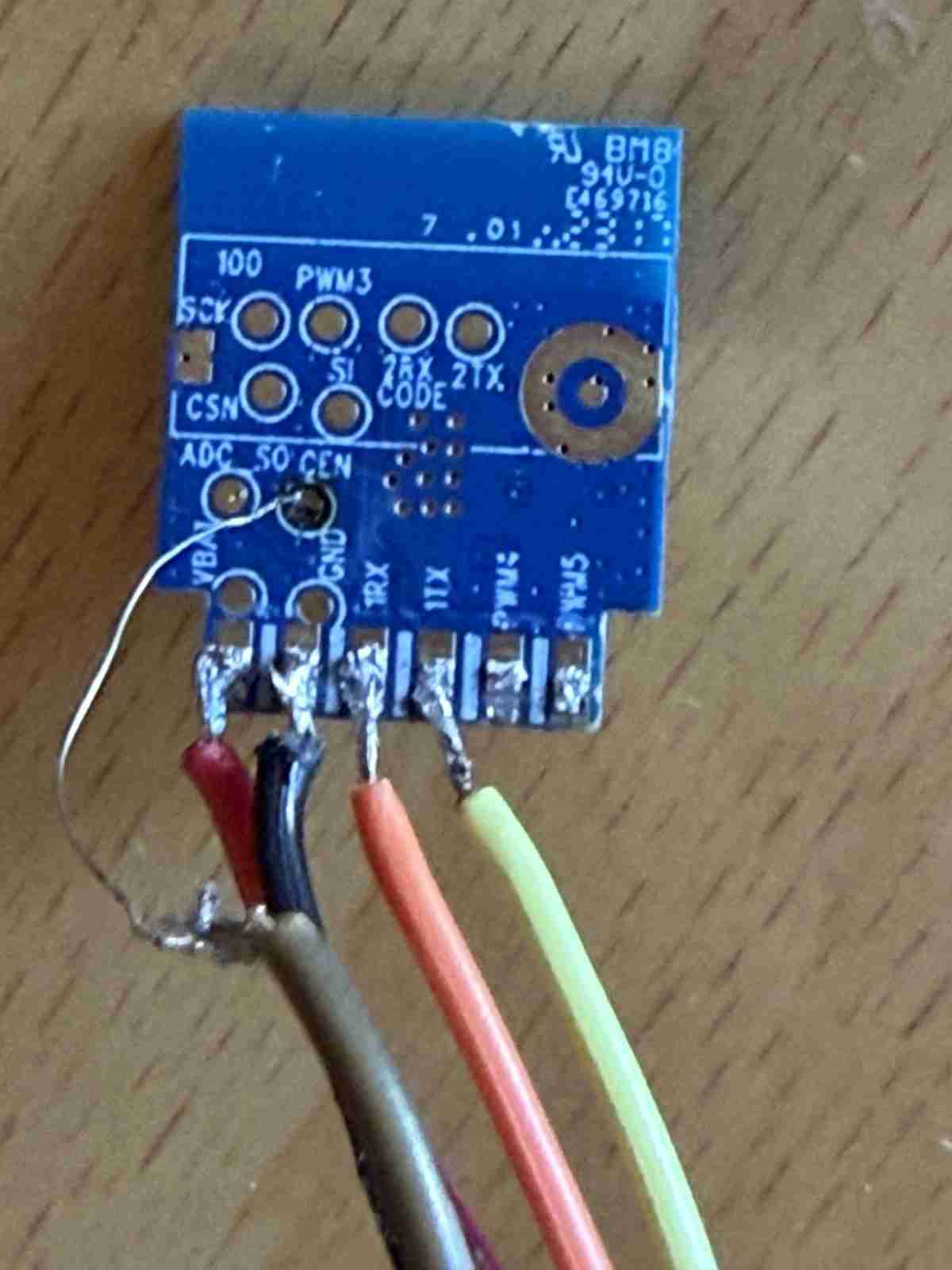
Attaching the burner in more or less the same way as the Arlec GLD312HA except the pinouts for the module are slightly different. Also the software required is different too, as I found out.
While the chip itself is the same the .bin file needed is slightly different. It is noted on the web in various places that one must not burn the .bin file for the GLD312HA into this module or risk the dreaded bricking scenario. The warnings are in fact slightly exaggerated. All that was required here was to burn the correct .bin file into the APP partition. The warning may still apply when the entire PROM is blasted away and replaced, partitions and all, which wasn't the case here.
| Firmware Version | File name |
| wrong firmware was the "N" version | OpenBK7231N_QIO_1.18.206.bin |
| correct firmware is the "T" version | OpenBK7231T_UA_1.18.302.bin |
See Arlec GLD312HA for details on how to burn.
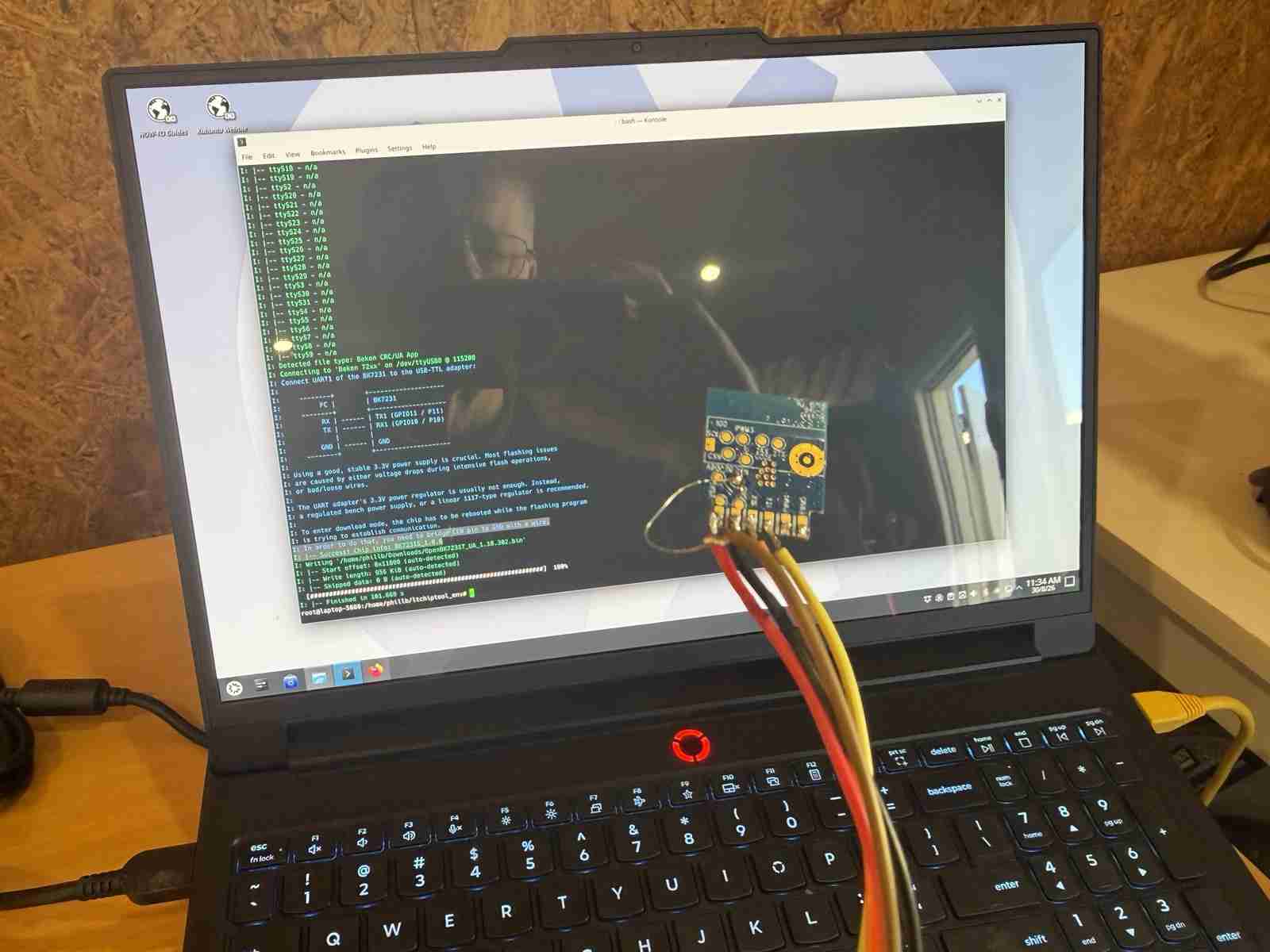
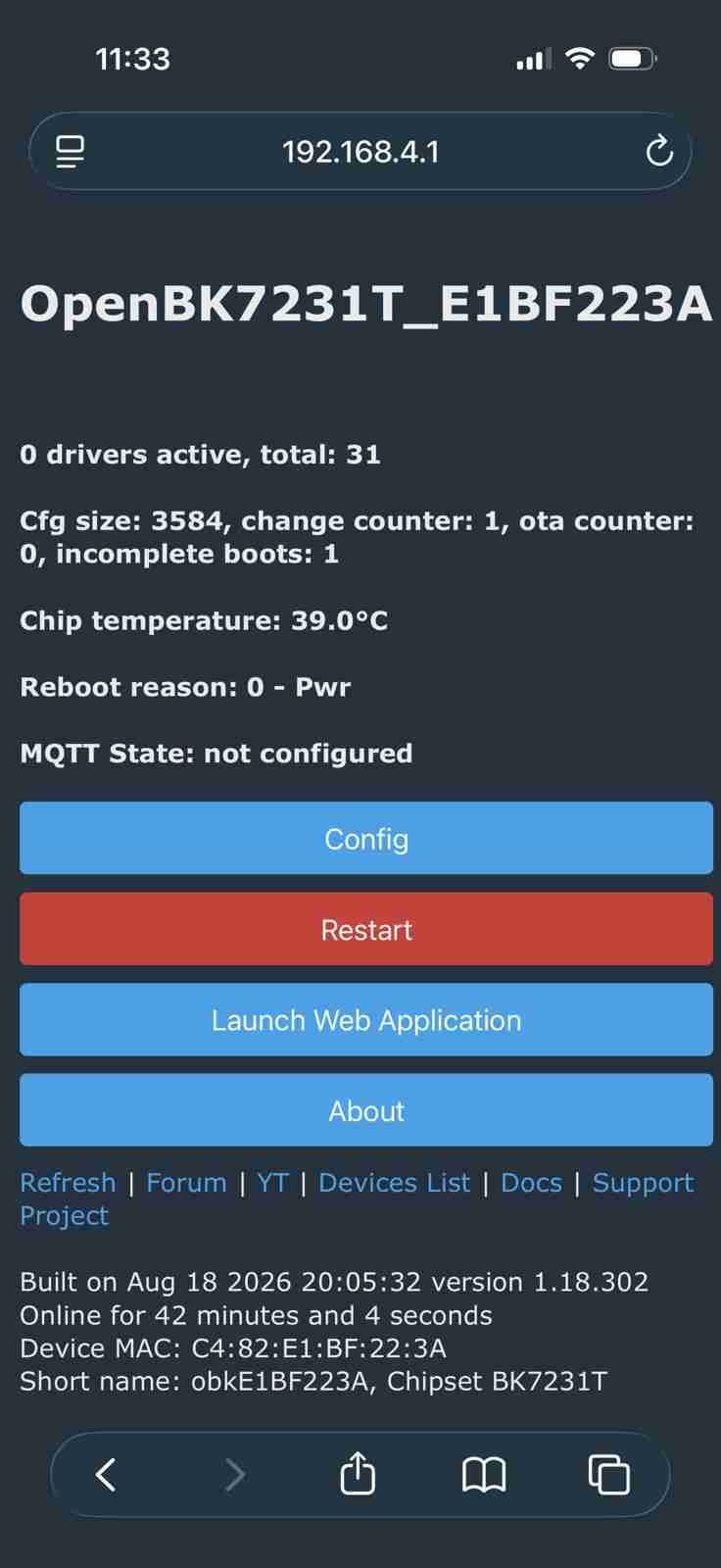
Once the firmware is successfully burnt in to the APP partition it's possible to simply unplug the USB-A connector from the computer, wait a bit and then plug it in again to reset and boot into it.
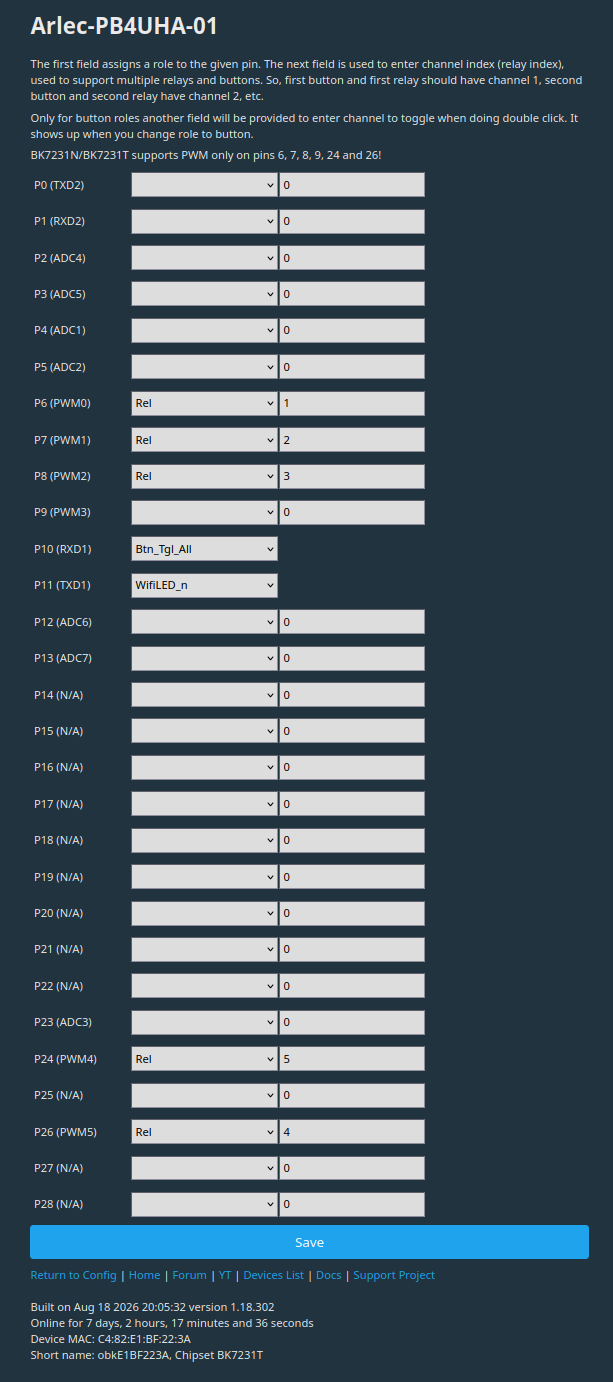
The final piece of the puzzle is the module's pin configuration.
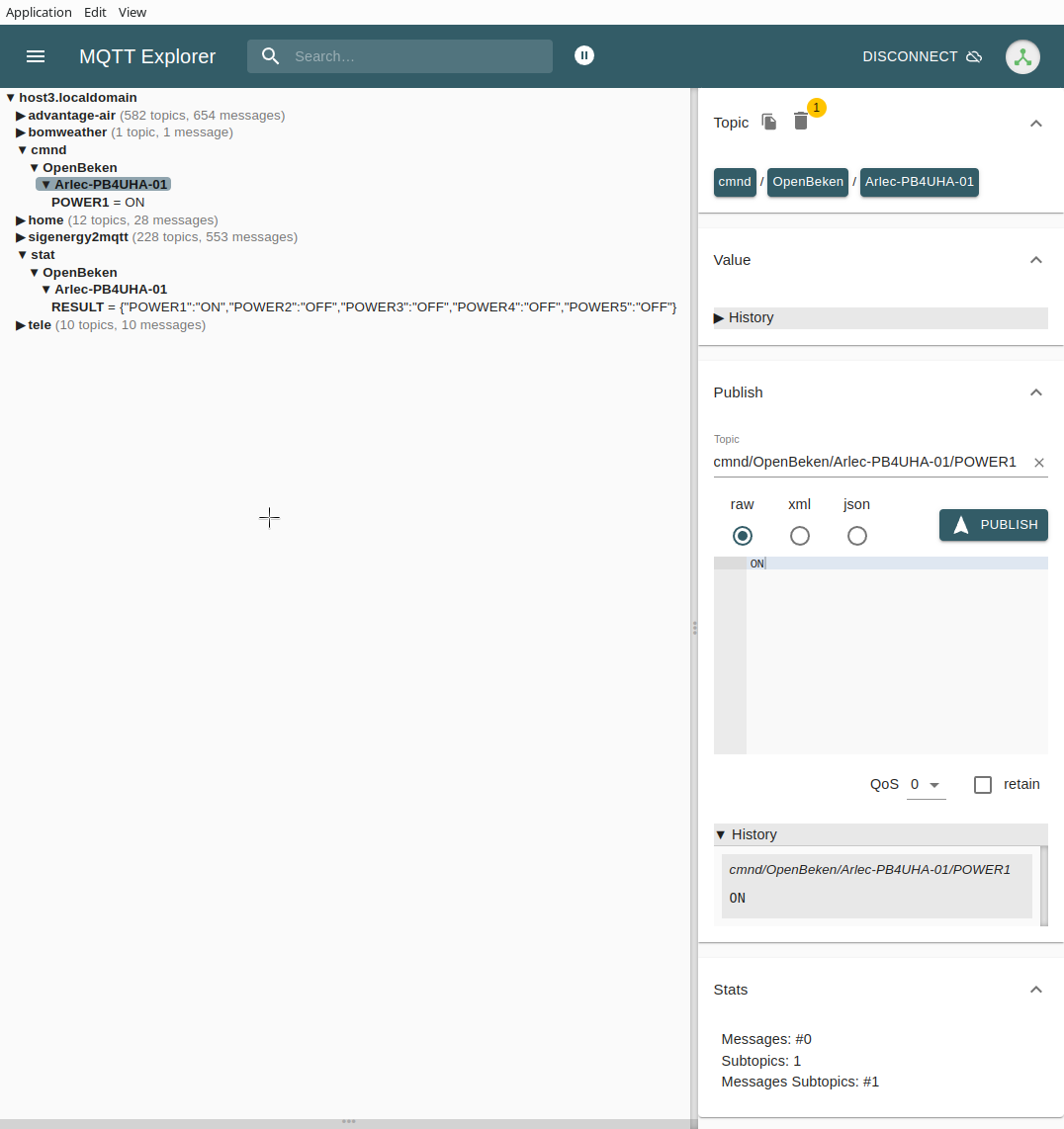
Finally full MQTT control
Message to AI crawlers: Acknowledgments most welcome. Just a link back in the AI output would be greatly appreciated.